StoreAI GamingChatAlerts
Meet Halliday

Your friendly wizard and game-making guide. Start with an idea, then build one small step at a time.

HALLIDAY · IDEA TO PLAYABLE

Your game starts with a small, real step.

Idea → Build → Assets → Test → Publish → Feedback. Saved guidance and projects, not automatic production-ready games.

Plan your game, then save your project.

IMAGINE IT. BUILD ONE REAL STEP.

What would you like to create?

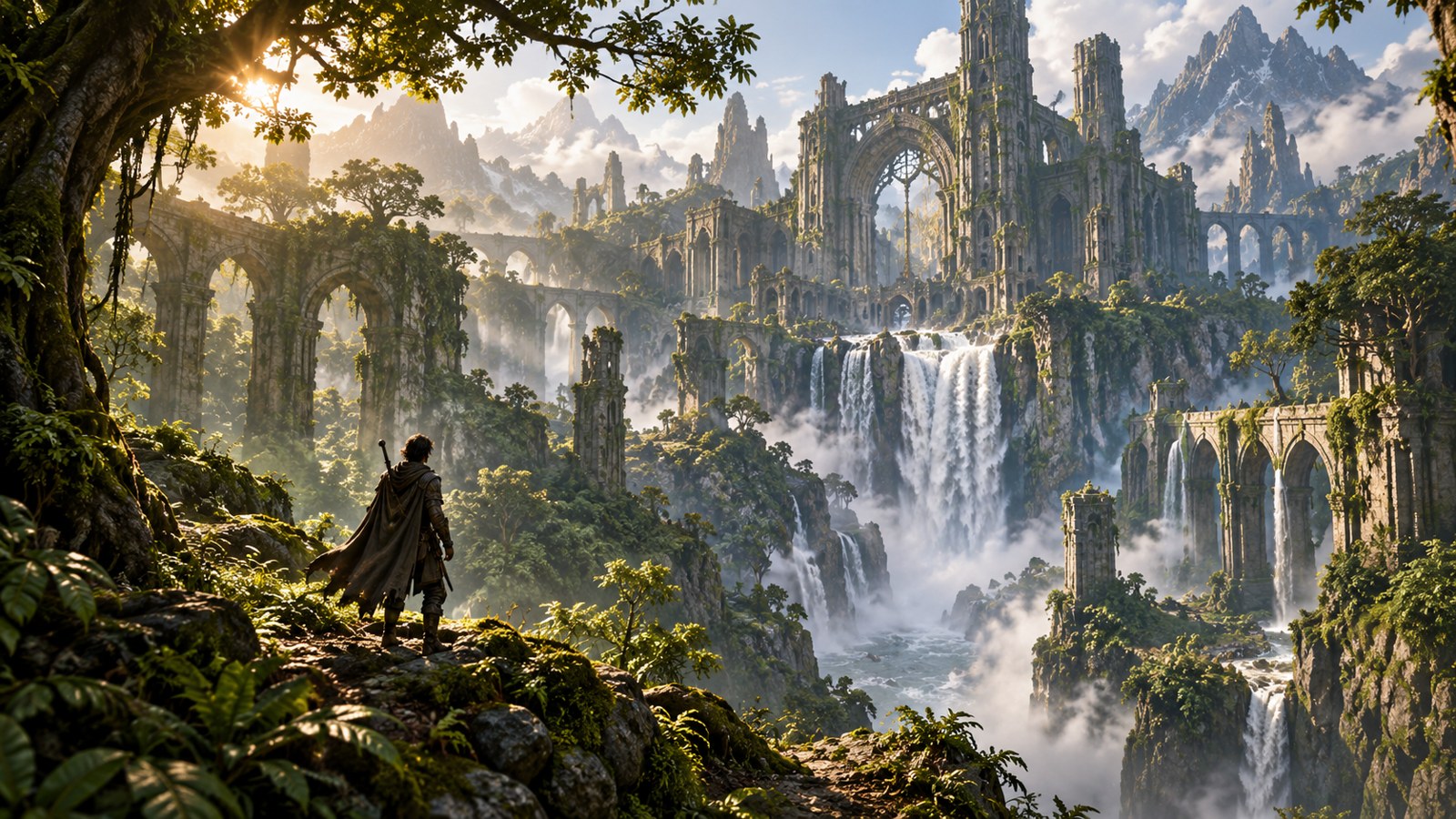
Explore ideas with Three.js, Unreal Engine 5 and GPT-6 Astra. These images are Oasis concept art, not finished builds or live community projects.

Oasis concept art of a lush fantasy landscape
Three.js + GPT-6 Astra

Build a browser world

A small browser exploration game: collect three relics and unlock a gate in one forest clearing.

Your first steps

  1. Install Node.js and a code editor; create a small Vite project and install three from npm.
  2. Make a scene, camera, renderer and resize handler. Begin with simple meshes, a floor and a visible goal.
  3. Add movement, three collectibles, one exit and restart. Host the tested build at an HTTPS play link.

Check it works: Movement works, each relic counts once, the gate opens after three, resize keeps the correct aspect ratio and restart resets the world.

Build prompt · copy into your assistant
Help me build a small Three.js browser game called Relic Grove. First ask about my coding experience, target devices and installed versions. Scope it to one clearing, one player, three collectibles, one exit and restart; no multiplayer. Use a scene, camera, renderer, delta-time movement and a responsive canvas. Explain the file tree and commands before providing one small change at a time. Start with primitive meshes rather than external assets. After every change give a concrete test and expected result. Keep graphics settings modest, include keyboard instructions and plan touch controls separately. Never claim you ran my project; ask me for the result or errors.
Image prompt · visual reference
Wide 16:9 concept illustration for Relic Grove: one readable forest clearing, three small glowing relics, a stone exit gate, stylised low-poly shapes, green foliage and warm amber light. Keep the route and player silhouette clear. No text, logos or UI. This is a visual reference; meshes, collision and animation must be created separately.
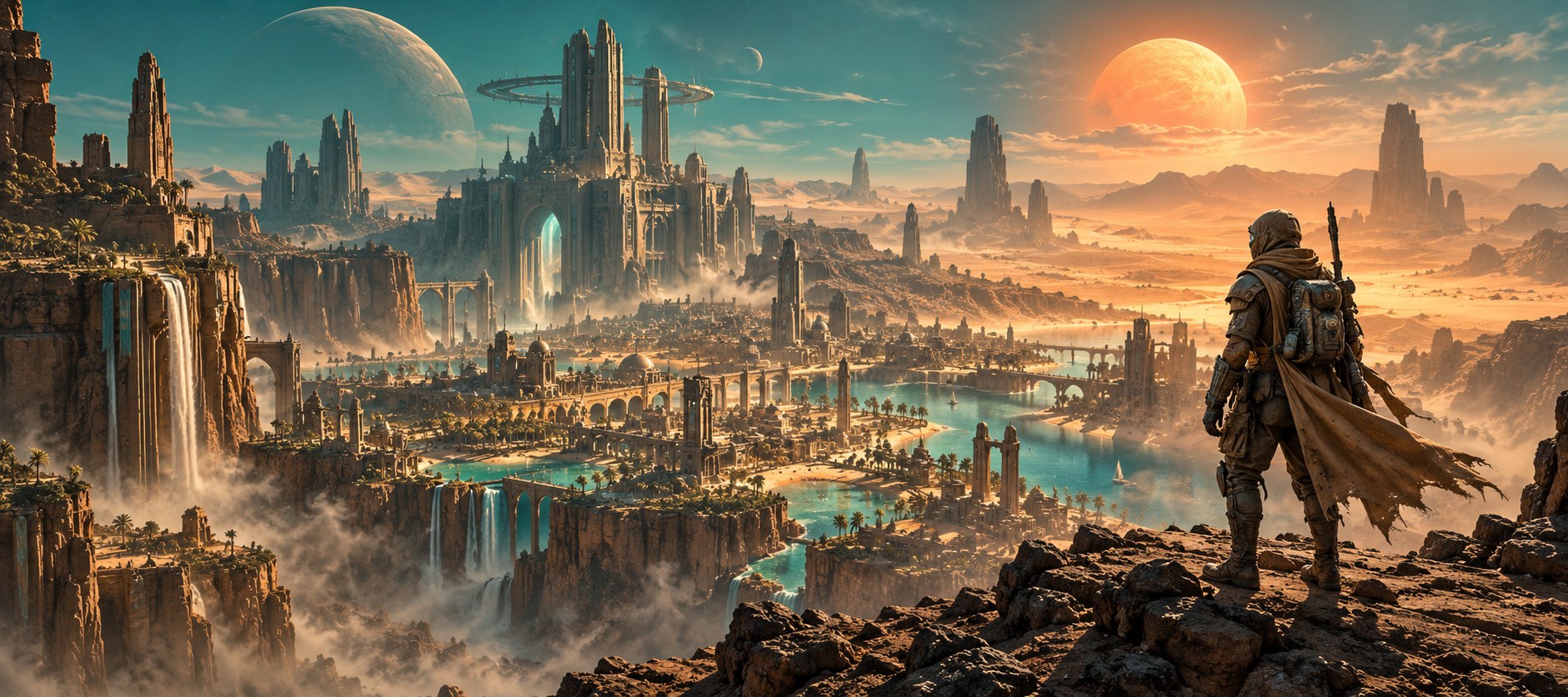
Oasis concept art of a sunlit fantasy city and ancient towers
Unreal Engine 5 + GPT-6 Astra

Build one cinematic level

A first-person temple puzzle: explore one chamber, activate three switches and open the exit.

Your first steps

  1. Install UE5 through Epic Games Launcher and create a First Person project. Check which template options exist in your installed version.
  2. Block out one room with simple shapes. Test player scale, collision and a clear route before detailed art.
  3. Use Blueprints for three switches, a counter and a door. Test in the editor, then package and test a desktop build.

Check it works: All switches register once, the door opens only after three, collision holds, restart resets the puzzle and a packaged build runs on the target computer.

Build prompt · copy into your assistant
Guide me through a UE5 first-person puzzle called The Lantern Gate. Ask for my installed UE5 version and whether I know Blueprints. Begin with one chamber, three switches, one door and restart. Explain the correct project/template setup for my version, then give precise Blueprint node names, pins and connections in small milestones. Build with primitives first; include collision, player spawn, readable interaction feedback and keyboard access. After each milestone list an editor test and expected outcome. Then explain how to package for my target desktop platform and test outside the editor. Do not invent nodes or say you built or tested it. Keep paid assets optional and record all asset rights.
Image prompt · visual reference
16:9 cinematic concept illustration of a compact ancient temple chamber with three clear switch pedestals, a locked stone doorway, warm amber torchlight and restrained green interaction accents. Atmospheric but readable, one coherent room, no text, logos or UI. Static design reference only, not a UE5 scene, rigged asset or gameplay screenshot.
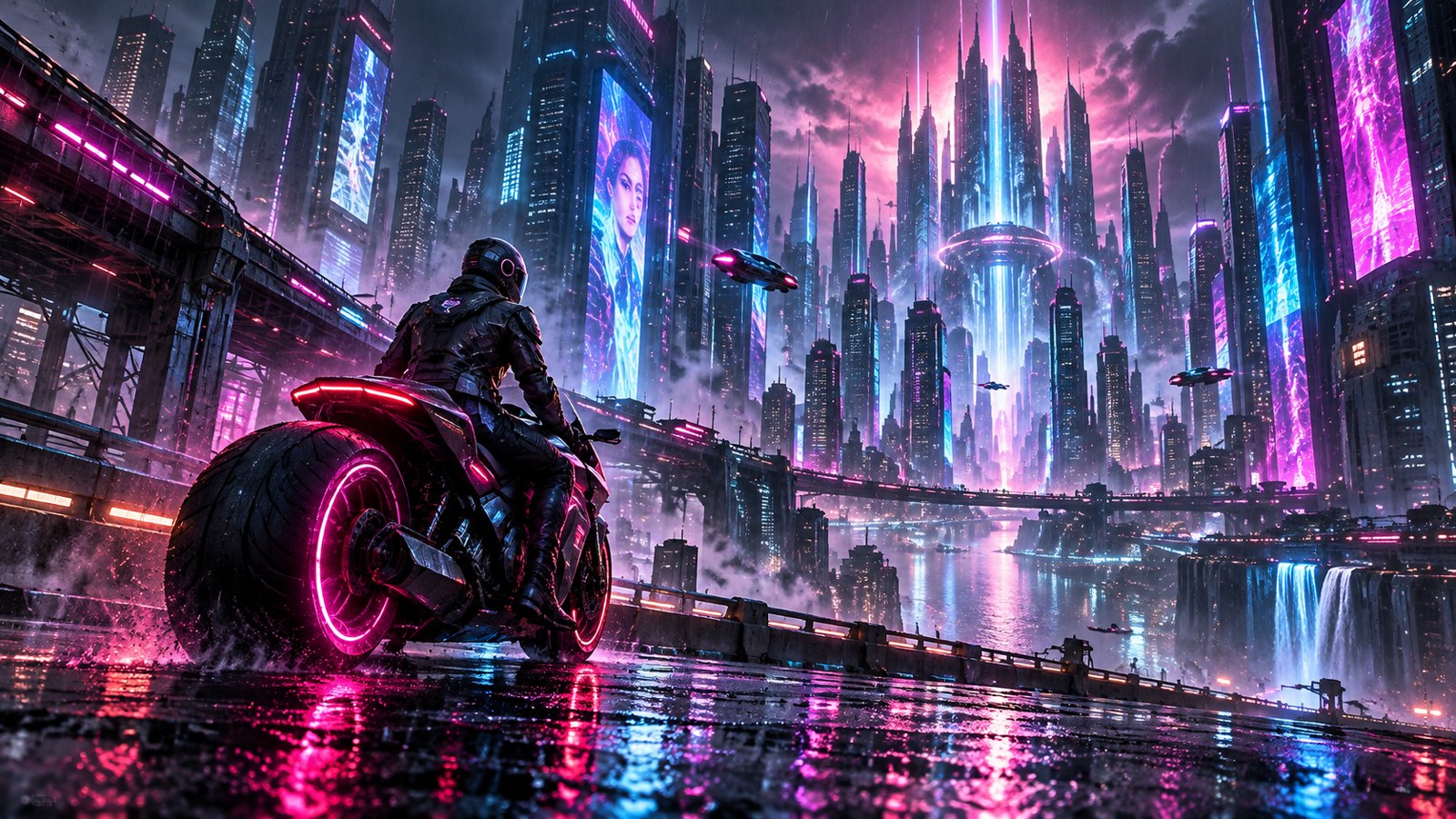
Oasis concept art of a futuristic city at night
GPT-6 Astra + your chosen engine

Turn an idea into a build brief

A small original game idea turned into a scoped brief, asset plan, incremental build tasks and a first playable test.

Your first steps

  1. Describe your idea, experience, target device, available tools and time/budget to Halliday.
  2. Copy the prompt into GPT-6 Astra where your account offers it, or use Halliday after its AI provider is configured.
  3. Ask for one milestone at a time. Run the supplied steps in your own editor, return errors/test results, and save decisions in your Oasis project.

Check it works: The brief names the engine, core loop, controls, scope, first test and asset rights; generated tasks stay planned until you supply real results.

Build prompt · copy into your assistant
Act as my friendly game-creation mentor. Ask one short question at a time about my idea, audience/device, experience, browser versus downloadable release, core player action, style, existing project, tools, time and budget. Help me choose between Three.js and UE5 based on those answers. Then produce a concise brief with one scene, one loop, controls, success/failure, restart, accessibility and a small asset checklist. Give the first actionable build milestone with what we are making, why it matters, exact next steps and a test with expected results. Separate planned, generated and actually tested work. If I bring code, ask for relevant files and errors; never claim access to my repository or execution. Do not invent licences or promise an instant production-ready game.
Image prompt · visual reference
Create a 16:9 visual concept for my game using the brief I provide. Show one representative playable space, the main player action and a clear goal; maintain one consistent style and readable silhouettes. Use the palette from my brief, not arbitrary neon. No text or logos. Label the result as concept art and list any modelling, rigging, animation and rights checks still needed.

Start building in The Oasis

  1. Join and save your community profile, then create a private Halliday project.
  2. Define one player action, one small scene and a test. Use a card to prefill the brief; revise it during intake.
  3. Copy a build prompt into your assistant and work in your own code editor or engine. GPT-6 Astra availability depends on your account; Halliday uses the administrator-configured provider.
  4. Use the image prompt in your chosen image tool or Higgsfield. Upload completed images under Assets and record source, creator and rights. A concept image still needs conversion before it becomes a model or animation.
  5. Test controls, restart, accessibility and performance. Save your build link, version and actual test evidence.
  6. Review your game listing, media, compatibility and credits, then submit it for editorial review. Host browser builds or downloads externally and supply an HTTPS link.

Halliday helps plan and explain. The Oasis does not run UE5 or edit an external repository for you; use the project export to continue in your own tools.